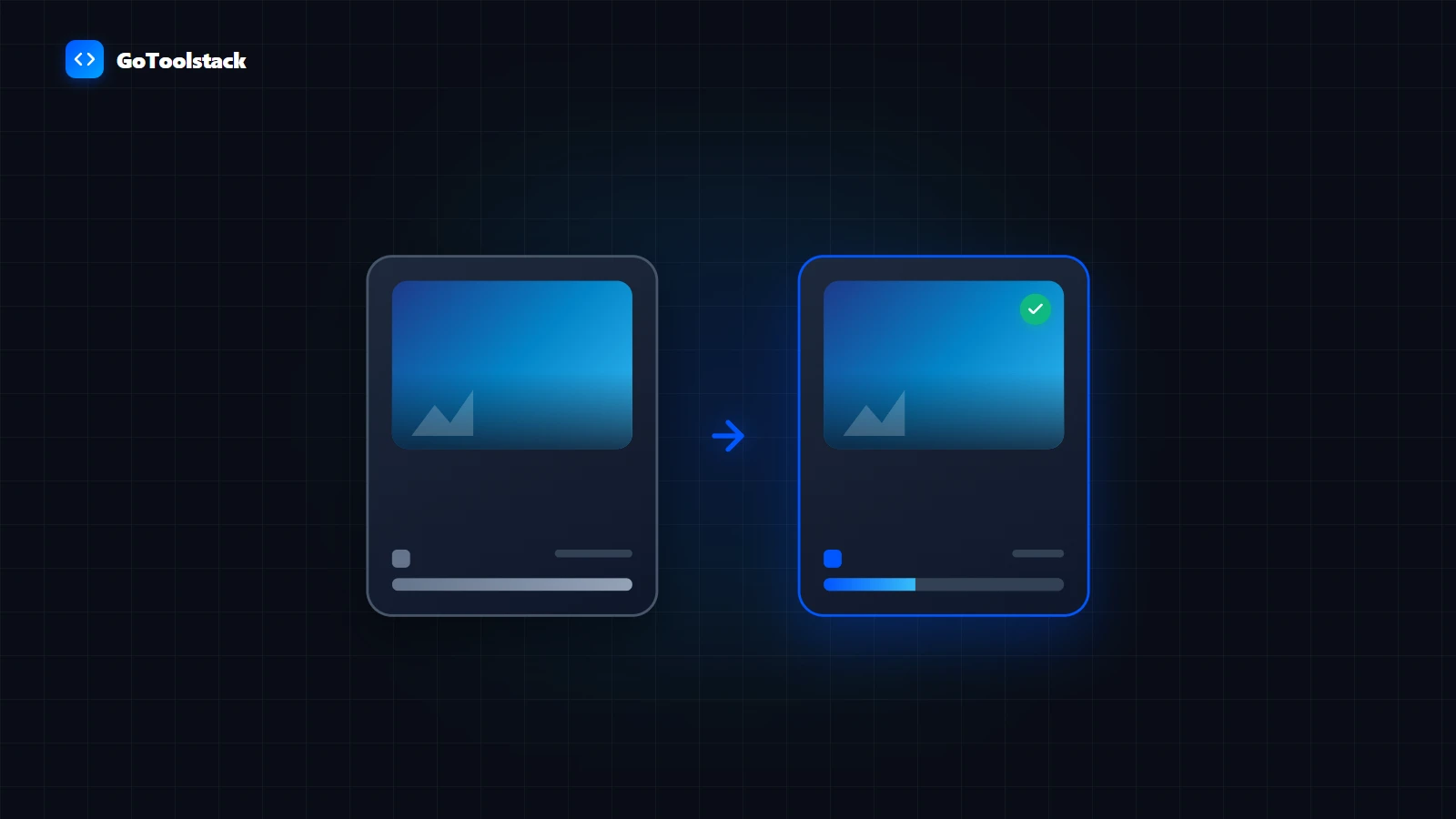
YouTube Thumbnail Previewer
Compare up to 3 thumbnail candidates with custom titles across YouTube desktop, mobile, and sidebar layouts before publishing.
Open Tool →
Specialized client-side tool collection for online creators and digital marketers. Resize channel artwork, inspect image dimension requirements, crop vertical clips for Shorts and Reels, trim unwanted footage, slice seamless panoramic carousels, edit subtitle files, and generate campaign tracking URLs — all executed directly inside your browser memory with zero server uploads.
Free client-side YouTube tools: preview thumbnails across devices, resize channel artwork to 16:9, crop 9:16 Shorts clips, and edit SRT subtitle files in browser memory.
Free client-side Instagram tools: split seamless panoramic carousels, resize posts to 1:1 and 4:5, crop 9:16 Reels videos, and format SRT captions in browser memory.
Free client-side tools for Facebook pages and groups: format feed posts, optimize cover banners, crop shared videos, edit captions, and build clean UTM campaign links.
Free client-side TikTok tools: crop horizontal clips into 9:16 vertical video, trim unwanted seconds, edit SRT captions, and format profile images in browser memory.
Resize images to official platform ratios, inspect resolution and aspect limits, and generate multi-panel grid carousels.
Crop footage to 9:16 or 1:1 framing and cut precise segment lengths without quality re-encoding.
Edit, re-time, and format SRT and VTT subtitle tracks for accessibility and video engagement.
Construct clean UTM parameter links to measure click performance across bio links and promotional posts.
Preset aspect ratios (16:9, 1:1, 4:5, 9:16) with pixel dimensions.
Image Resizer / Inspector →Adjust frame position for YouTube Shorts, Reels, or TikTok.
Video Cropper →Lossless segment extraction directly in browser memory.
Video Cutter →Slices single images into seamless 2 to 10-slide carousel batches.
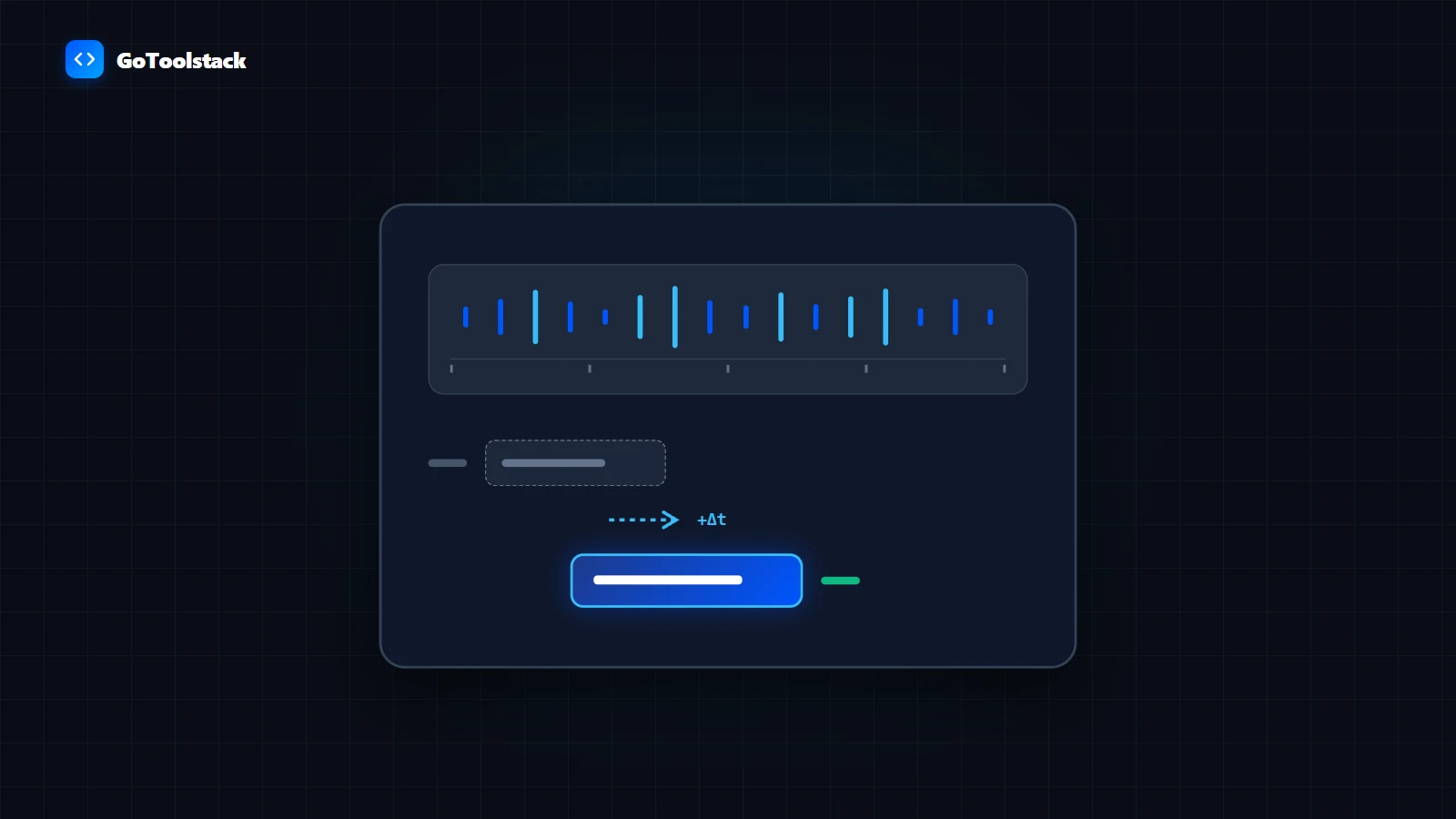
Grid Splitter →Directly modify SRT or VTT lines with real-time cue timestamps.
Subtitle Editor →Builds clean Google Analytics-compliant campaign URLs without typos.
UTM Builder →All video trimming, image cropping, and subtitle edits execute exclusively in your browser memory via Web APIs. No media files or user credentials are transmitted to any external server.
GoToolstack tools prepare and export standard files (JPG, PNG, WebP, MP4, SRT). They do not connect to social media accounts, automatically publish posts, or guarantee reach.
Files prepared in one tool (such as resizing an image) must be saved locally and selected in the next tool. Automated multi-tool batch pipelines are not present in this release.
Compare JPEG, WebP, and PNG compression realities. Real measurements from browser Canvas encoding, quality loss trade-offs, and transparency limitations.
Read Guide →Step-by-step technical guide to slicing panoramic images into seamless 4:5 swipable Instagram carousel slides using GoToolstack gridsplitter. Zero compression artifacts and local processing.
Read Guide →Millisecond-precise subtitle synchronization and WebVTT conversion tutorial using GoToolstack subtitles editor. Explains overlap diagnostics and browser HTML5 video playback.
Read Guide →Free client-side PDF tools to merge, split, compress, protect, and organize documents directly in your browser. Complete selection guide, technical limits and workflows.
Client-side image tools to compress, resize, crop, convert, and optimize images privately in your browser. Format guides, technical limits, and workflows.
Free in-browser audio and video tools: convert video to MP3, trim sound files, cut clips, screen record, remove silence, and edit ID3 tags without server uploads.
Free client-side text tools: count words, convert letter case, clean duplicate lines, compare text diffs, format markdown, and convert HTML entities without server logging.
Fast, client-side developer utilities: JSON formatter, Base64, SQL, RegEx, JWT, Diff, Cron, and crypto tools. Zero server transmission.
Free client-side financial calculators: plan loan repayments, mortgage amortization schedules, compound interest growth, FIRE retirement, inflation adjustments, and currency conversions.
Free client-side business tools: generate printable invoices, calculate gross margins and VAT, estimate freelance hourly rates, analyze ad ROAS, and track SaaS metrics.
Free client-side wellness and daily living tools: calculate BMR, TDEE energy needs, body fat percentage, 90-minute REM sleep cycles, water intake, and fasting schedules privately.
Free client-side measurement and time tools: convert metric and imperial units, calculate date spans, track Schengen 90/180 visa days, compare international clothing sizes, and view world timezones.